
Top 5 AI Image Sharpening Online Tools to Sharpen Images with AI
 Posted By: Billie Miller
- Updated On: January 22, 2026
- Category: Photo Enhancer Tips
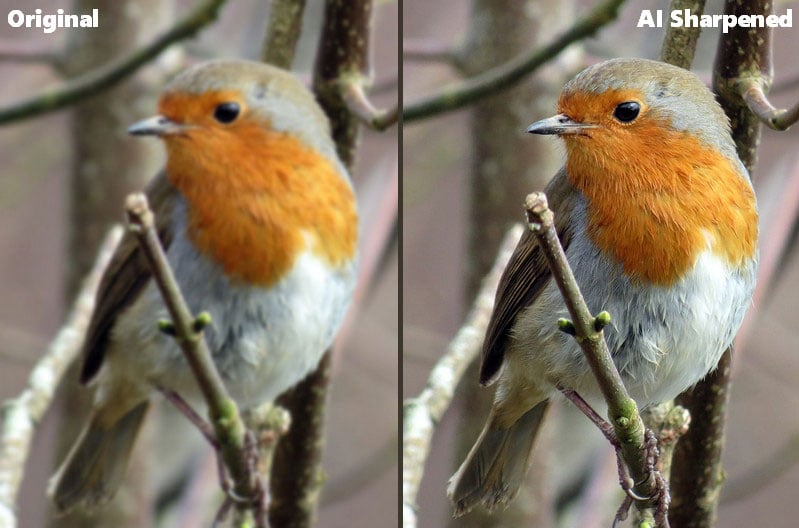
Sharpening an image means removing blur, and enhancing details to make the image clear and natural. We can't avoid every image error like camera shake, motion blur, and wrong focus, so sharpening images can be a very important procedure to fix these errors.
While this procedure can be accomplished by powerful AI algorithms. To be clear, AI algorithms have been applied in the image editing field, and there are some good AI image sharpening tools we can use. Keep reading to know how to sharpen images online for free using the AI tool.
Read More: Unpixelate Image Easily in 3 Different Ways | 6 AI Blurry Image Enhancers to Unblur Image Free Online
Part 1: Top 5 AI Image Sharpening Tools Online
1. AVCLabs Online Image Enhancer
Website: https://www.avclabs.com/ai-tools/image-enhancer/
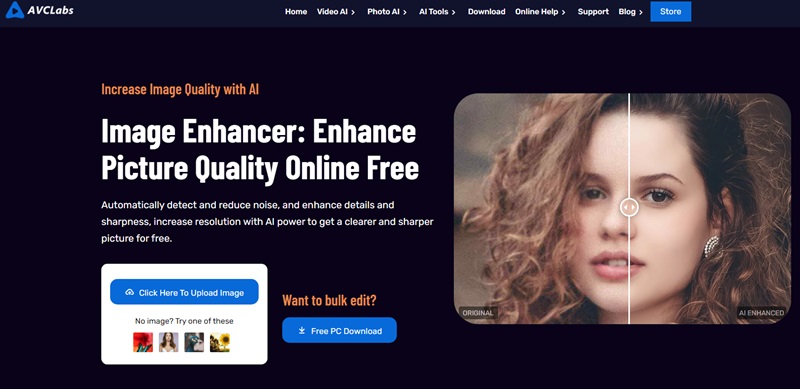
AVCLabs Online Image Enhancer is perfect for improving the quality of prints with its excellent sharpening effect that makes printed images clearer and more vivid. It enhances edges and highlights details in the image, making the overall effect more striking. In addition, it also provides the "Face Refinement" function, which helps users to automatically and carefully adjust the face image to make the face look more beautiful and perfect.
Pros:
- Improve the quality and clarity of images and enhance details.
- Make blurry or fuzzy images clear instantly.
- Enlarge images up to 4x without losing quality.
- Offer free credits to ai sharpen image online.
Cons:
- Free AI image sharpening tool, login required.
2. VanceAI Image Sharpener
Website: https://vanceai.com/sharpen-ai/
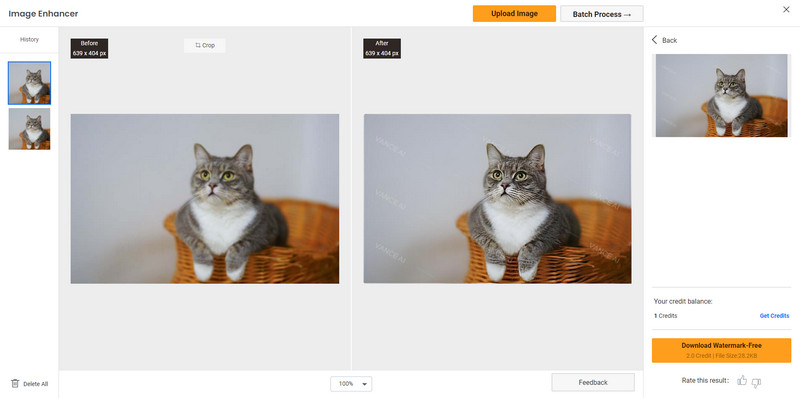
VanceAI Image Sharpener is a comprehensive and technologically advanced AI image sharpening and enhancement solution. It supports multiple image formats including JPEG, PNG, and TIFF. VanceAI provides a complete toolkit, including five Sharpen Modes to handle different types of blur, and adjustable parameters, including Sharpness and Suppress Noise options, for precise image sharpening.
Pros:
- Provide multiple sharpen modes solutions.
- Offer portrait retouch option.
- Intelligently identifies and sharpens edges, enhancing image clarity and sharpness.
Cons:
- Processing a single image consumes two credits.
3. Topaz Labs AI Image Sharpener
Website: https://www.topazlabs.com/tools/sharpen-image
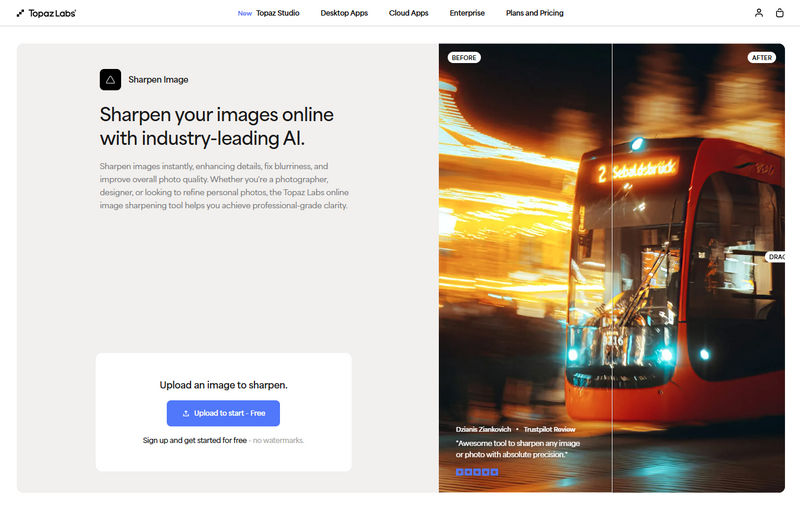
Topaz Labs AI Image Sharpener is an online image sharpening tool that can repair blur, out-of-focus, and shaky blur. It offers various sharpening modes, such as standard sharpening and motion blur, allowing you to choose the most suitable AI model based on the photo type, ultimately outputting a more natural, artifact-free, and clear image. More importantly, it provides an option not offered by most image sharpeners: sharpening only the main subject of the photo.
Pros:
- Produce natural and highly detailed results instead of over-sharpened edges.
- No software installation required.
- Work well for portraits, landscapes, old photos, and text images.
Cons:
- It might take some learning time for beginners.
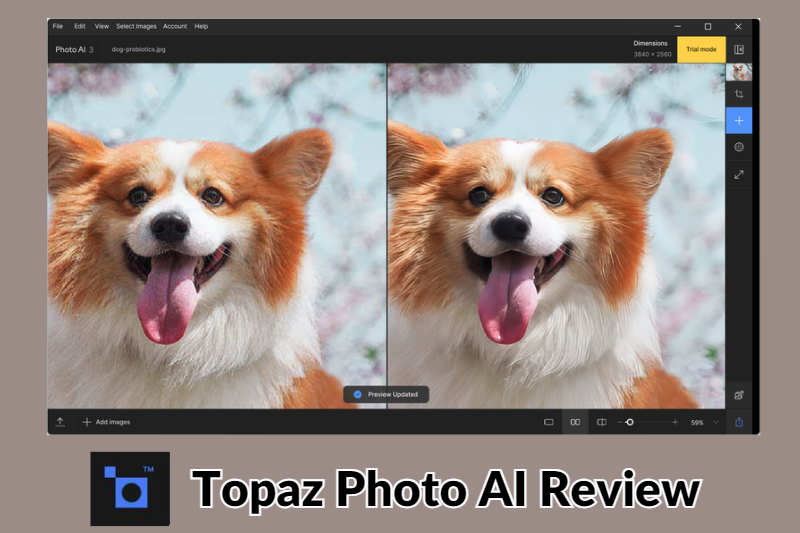
This article will introduce Topaz Photo AI's features, price, advantages and disadvantages, alternatives in detail.
4. Picsart AI Image Sharpener
Website: https://picsart.com/ai-image-enhancer/sharpen-image/
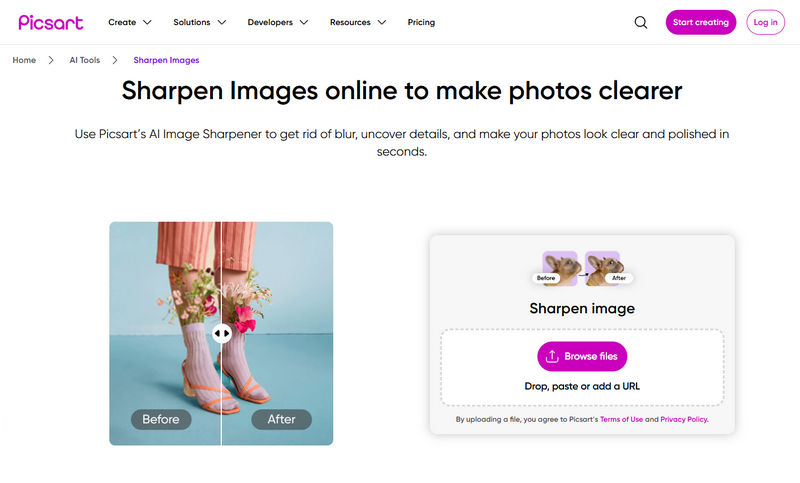
Picsart offers a powerful online AI image sharpening tool that quickly enhances the sharpness and detail of photos, instantly making blurry, soft, or low-quality images sharper and clearer. This tool uses AI technology to automatically identify and enhance blurry areas in images, eliminating the need for complex manual editing or downloading and installing local software. Sharpening results are generated within seconds of uploading a photo, making it ideal for quick everyday photo editing.
Pros:
- One-click AI sharpening with automatic enhancement.
- Fast online processing without installation.
- Integrate with other online editing tools.
Cons:
- Saving high-resolution images requires a subscription.
5. PicWish AI Image Sharpener
Website: https://picwish.com/unblur-image-portrait
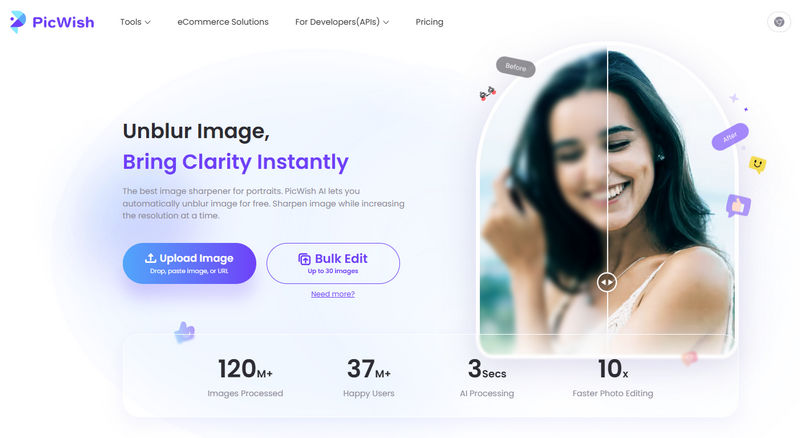
PicWish offers an AI-powered online image sharpening tool focused on automatically removing blur and enhancing sharpness, particularly suitable for portraits, product photos, or the retouching of low-quality images. It provides 3 Enhancement Models for image sharpening: Standard, Ultra HD, and HD. Ultra HD offers the best detail enhancement, while the HD model provides a balanced result.
Pros:
- One-click deblurring and sharpening.
- Quickly expand image to a ratio suitable for different uses such as social media, web, and print.
- Offers a free trial opportunity for users to test and preview the sharpening tool.
Cons:
- The free version has limitations in downloading high-definition results.
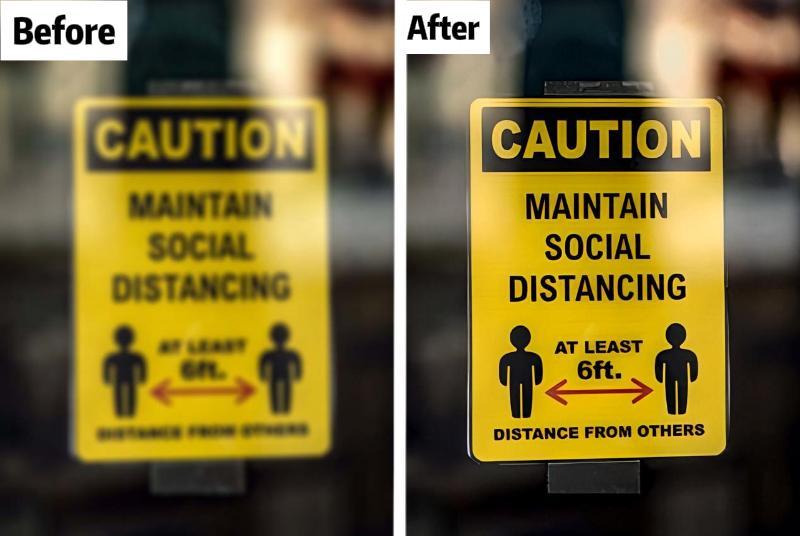
Learn how to enhance blurred text online using accessible free tools and other desktop software for the task.
Part 2: How to Sharpen Images Online for Free with AVCLabs Online Image Enhancer?
Step 1: Visit AVCLabs Online Image Enhancer and Upload Photos
Visit the AVCLabs Online Image Enhancer website and click on the upload image button to add blurry photos.
Step 2: Select the AI Model to Sharpen Blurry Images Online
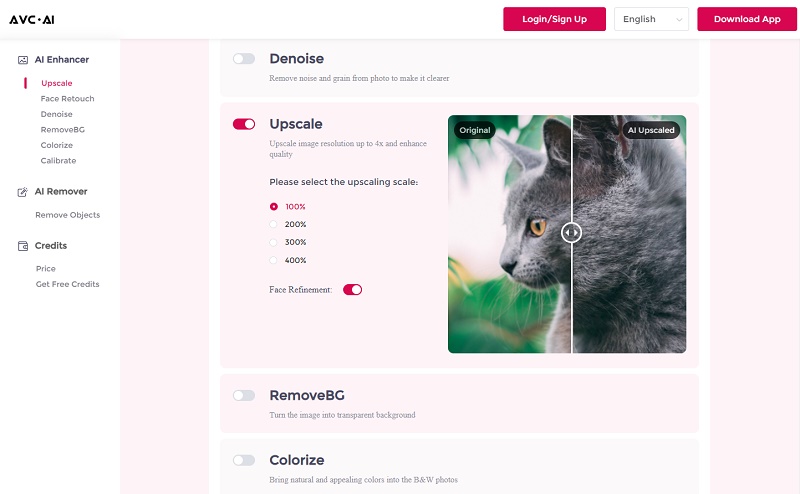
The interface will then jump to the operation page. To sharpen blurry images, just switch on the Upscale option. For the portraits photos, you are allowed to turn on the Face Refinement option to detect and sharpen facial details. Then click on the Start Processing button to start processing.
Step 3: Preview and Download Photos with Clear Facial Details
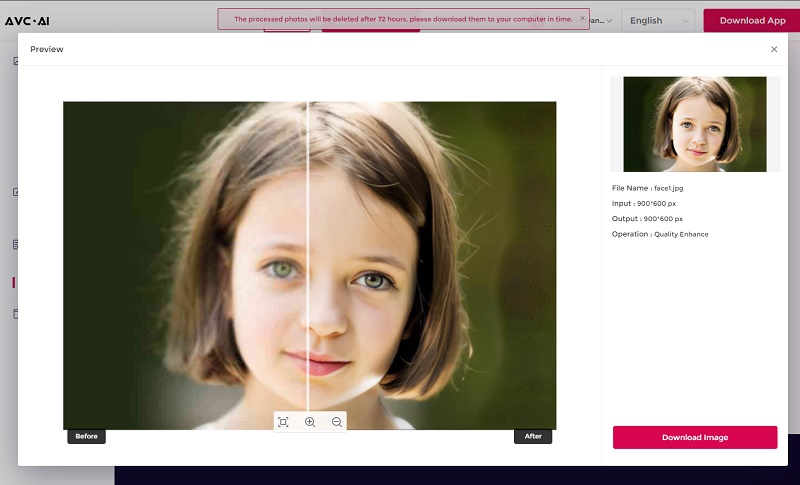
Once the image deblurring process is done, simply switch to the Processed Image tab and click on the Eye icon to preview the original and sharpened image. If you are satisfied with the sharpening effect, just click the red button to save.
Part 3: How to Sharpen Images with AI Desktop Software?
Compared to online tools, AVCLabs Photo Enhancer AI offers a faster, more reliable, and more professional method for image sharpening, making it ideal for photographers, designers, or anyone looking for high-quality results with minimal effort.
It offers a simple and easy-to-use fully automated image sharpening workflow, requiring no manual adjustments. Most importantly, it supports sharpening multiple images at once, saving time for professional workflows or large photo libraries. It runs stably even when handling large files or batch operations. In addition to sharpening, it can also enlarge images while maintaining clarity, making it ideal for printing or high-resolution displays.
Key Features of AVCLabs Photo Enhancer AI
- Make the blurred, low-quality photos to high-definition
- Upscale the image resolution without losing quality
- Automatically remove noise/grain from images
- Immediately improve your portrait photography
- Quickly colorize the old black&white images
Steps to Sharpen Blurry Photos with AVCLabs Photo Enhancer AI
Step 1 Upload Your Image
Launch AVCLabs Photo Enhancer AI on your computer, and then upload one or more images that you want to sharpen.
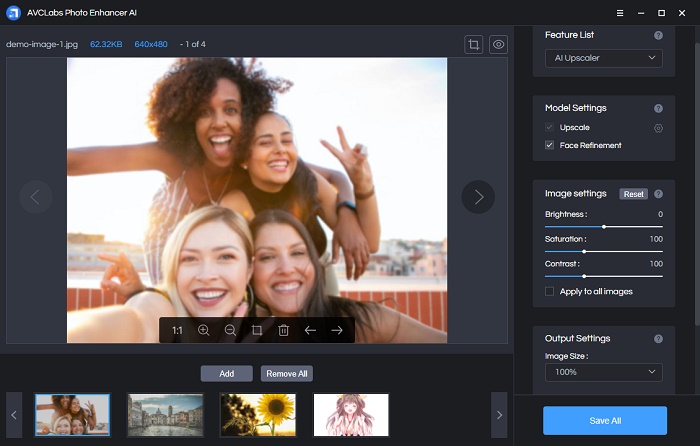
Step 2 Select Model
Choose either the AI upscaler or AI denoiser function depending on your processing needs, and then select the appropriate enhancement model.
Step 3 Preview and Save
Click the Preview button to see the effect of repairing the blurry photo, and then click the Save button to save the image.
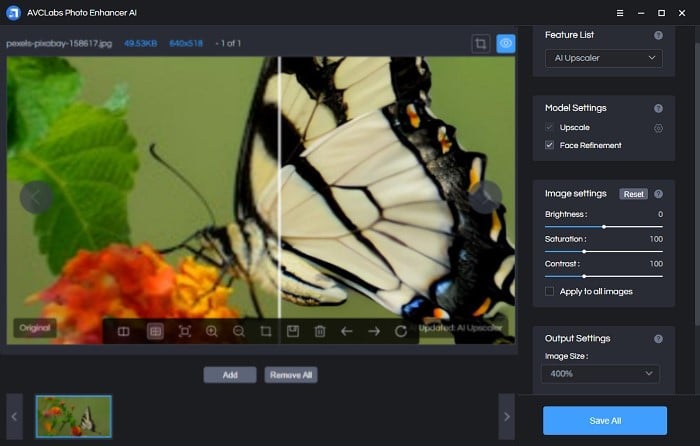
Video Tutorial: How to Sharpen Images Without Any Advanced Skills
Conclusion
Using an AI online tool or dedicated software to sharpen images is easy and convenient. This article presented a compilation of the best 5 online AI image sharpening tools, showcasing the unique features and sharpening effects of each. Notably, we've chosen AVCLabs Online Image Enhancer for a detailed walkthrough. Furthermore, for those seeking a robust desktop solution, we've outlined the operational steps for AVCLabs Photo Enhancer AI, a stable and potent software. We trust that these resources will assist you in sharpening images.