

Any Video Converter is a professional video converter, compressor, and editor that can intelligently enhance and transcribe your videos and audios.
Discover how advanced technology transforms your workflow.
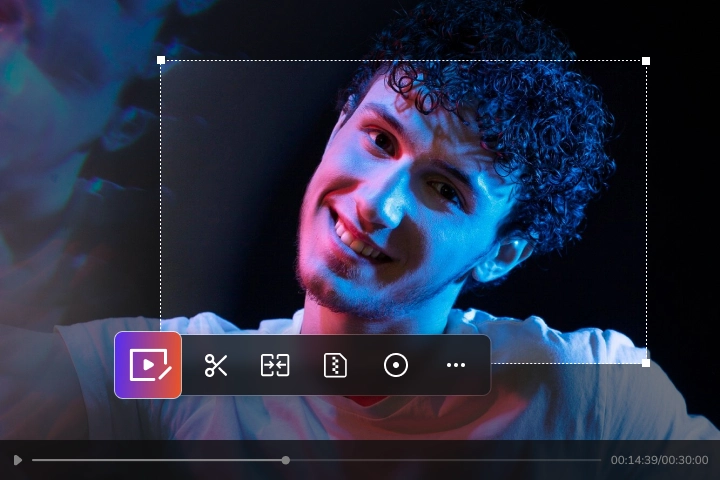
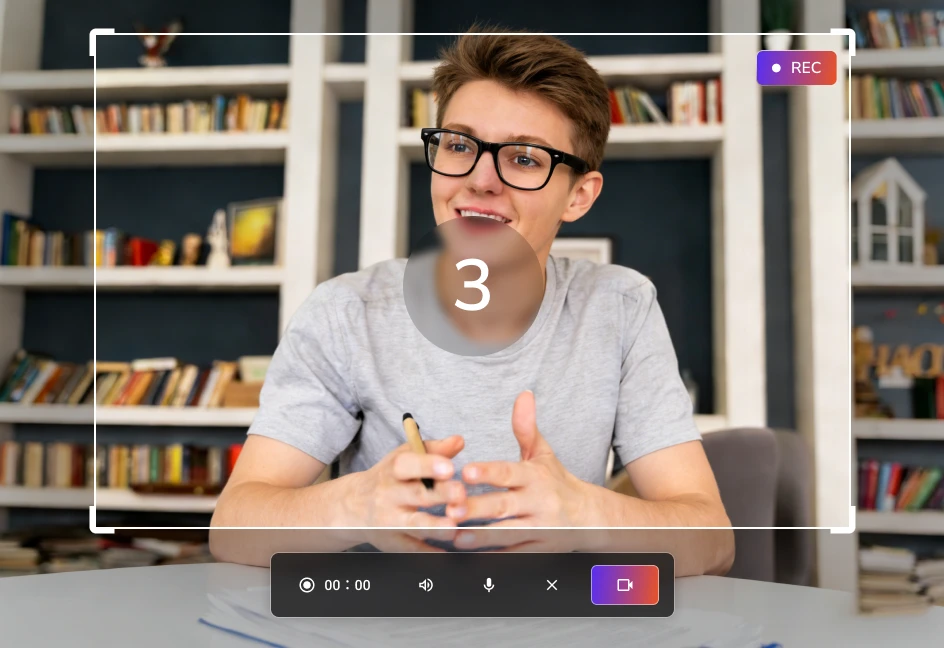
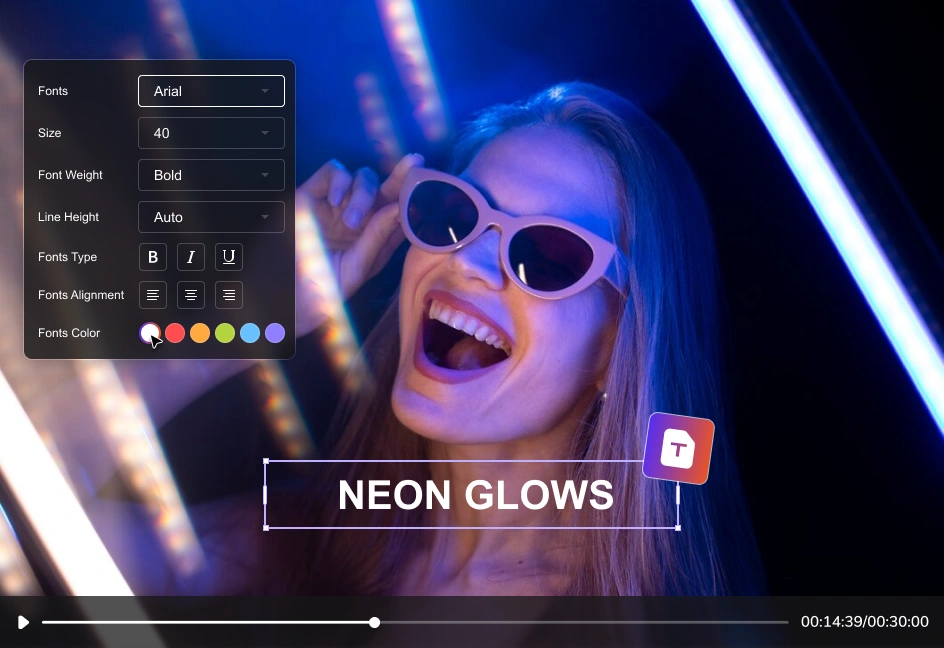
Any Video Converter employs industry-leading processing technology to deliver a comprehensive video toolkit designed to boost productivity and handle all your media needs with ease.
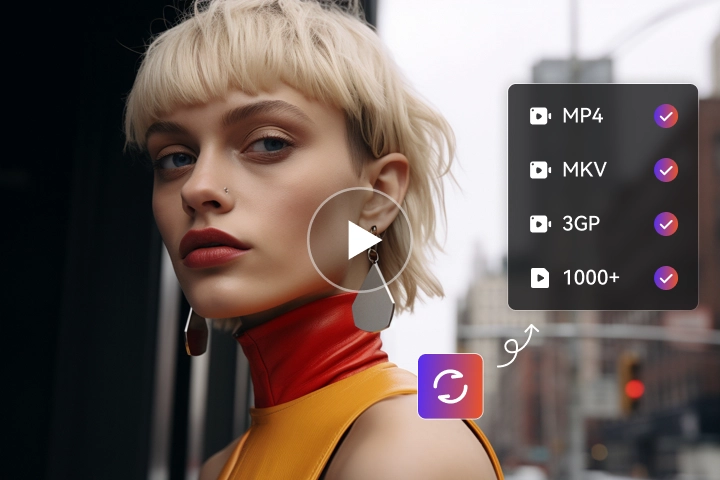
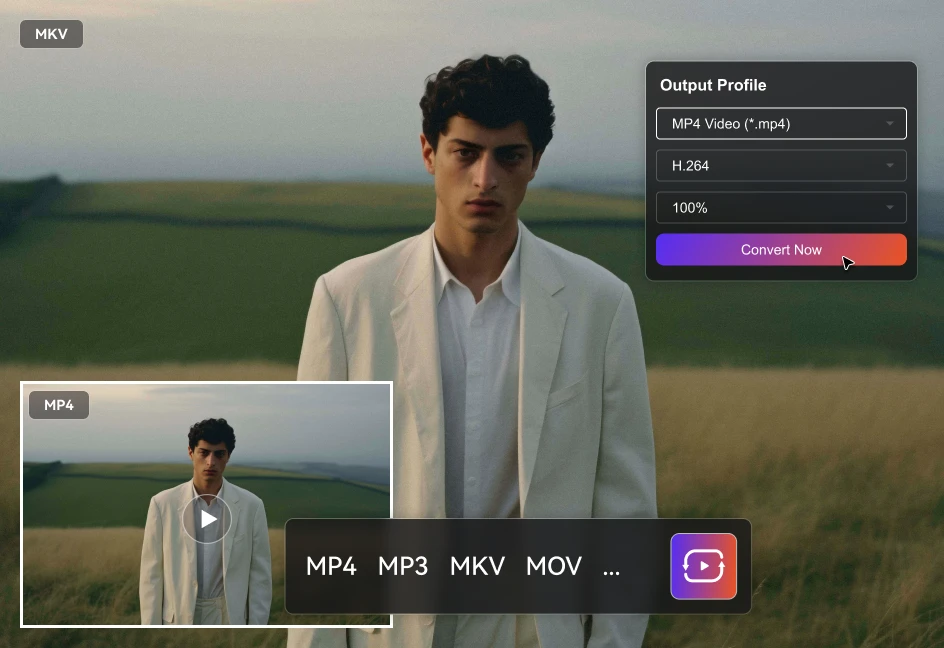
Any Video Converter highly matures in video quality and convert speed. It can convert video and audio files into 1,000+ formats like MP4, MKV, and WAV. Furthermore, it supports next-generation video encoders such as H.264/HEVC and AV1, allowing you to adjust video frame rate up to 60 fps, and freely customize video resolution and quality. As a result, it ensures that your video quality remains lossless a lot.
You can also precisely configure the audio encoder, sampling rate, audio channels, and audio bitrate. Or, just a single click to disable audio from your videos. To provide even more advanced features, it integrates an 130X hardware acceleration within its underlying architecture. Then, you can import and convert an entire folder without enduring long wait times.
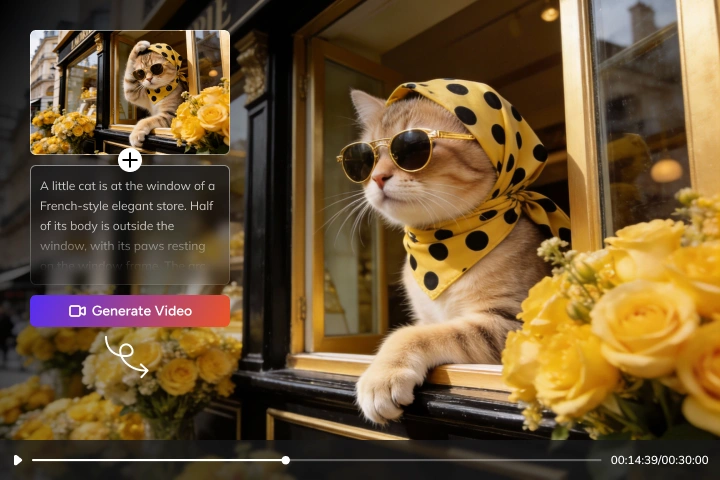
Any Video Converter can efficiently generate video from image and text, and create image from text. It gives you the flexibility to import photos and set them as the first frame and the last frame, so that you can generate the most satisfying result.
AVC AI Video Generator can handle long shots, close-ups, camera movement and more, and allows you to generate stunning video clips ranging from 2 to 12 seconds. It can effortlessly turn photo to video for Amazon, Instagram, TikTok, YouTube, and supports 6 popular video ratios in 21:9, 16:9, 4:3, 1:1, 3:4, and 9:16.
 If you prefer no installation, simply visit AVCLabs Video Generator & AVCLabs Image Generator to get started free online instantly.
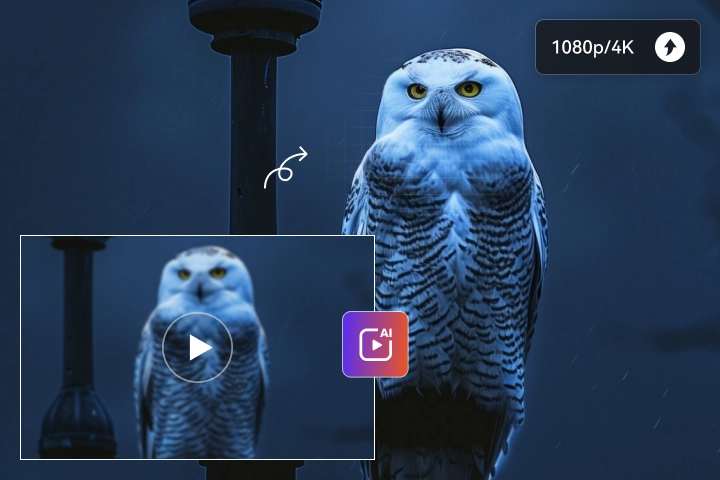
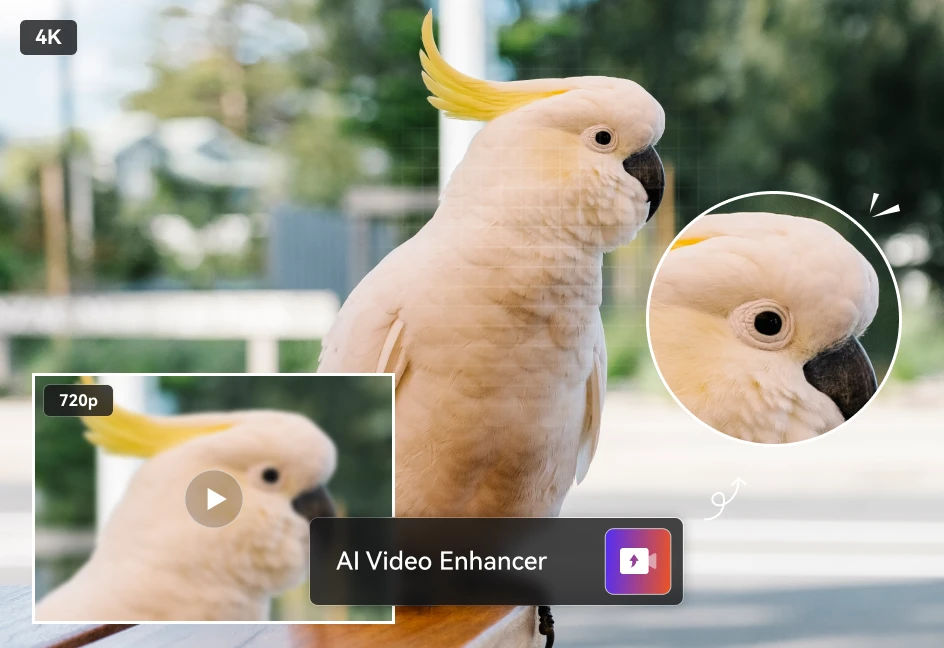
Any Video Converter introduces an AI Video Enhancer tool in 2025, intelligently enhancing and repairing your video quality to 1080P, and up to 4K resolution. It does NOT simply stretch the dimensions; instead, but intelligently reconstructs your video frame by frame. This tool is perfect for restoring old family recordings or repairing video clips where the original was lost after heavy compression.
If your project demands extreme details, AVCLabs Video Enhancer AI provides 8K resolution enhancement, along with features to upscale up to 400%, increase frame rate up to 120fps, and blur any part of your video, offering even more possibilities for clarity in your video projects.
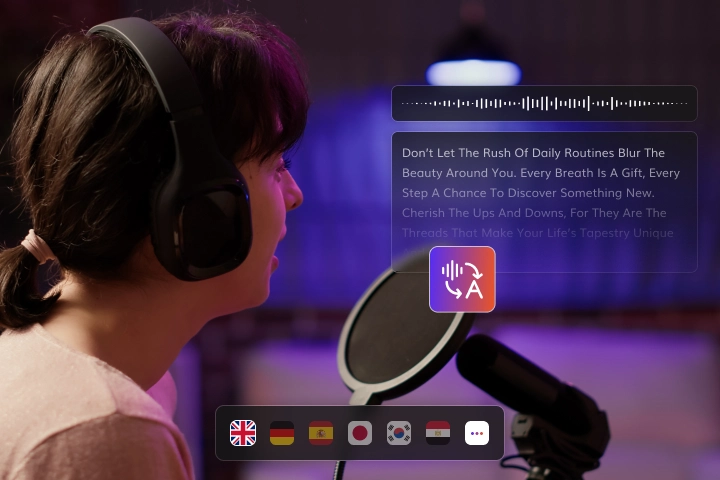
Any Video Converter provides a high-accuracy speech-to-text tool to transcribe nearly any video worldwide into mutiple text formats. It supports over 20 global languages, including Urdu and Danish. You can export your transcribed content into various formats, such as txt, srt, vtt, csv, or lrc files.
You can choose between Primary, Intermediate, and Advanced AI models. For fast, everyday transcriptions, the Primary model is the ideal choice. For specialized content, such as legal or medical videos, we recommend the Advanced model with up to 99% accuracy. It also features with "Preview before Convert", ensuring that what you see is exactly what you get.
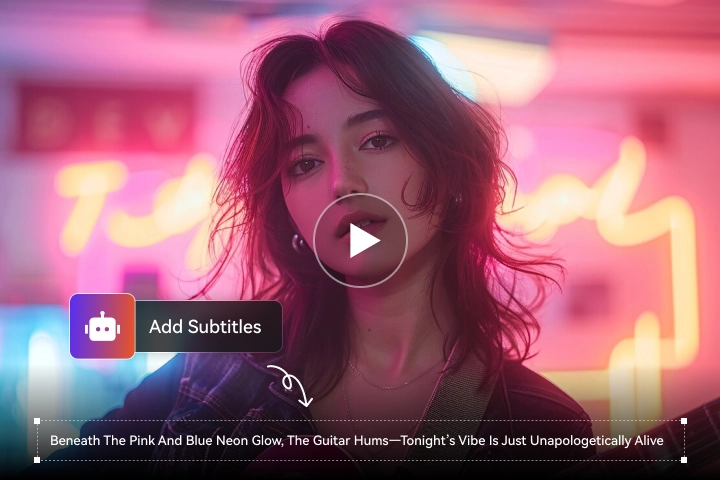
Whether you need hard subtitles for TV playback or soft subtitles for multi-language switching for streaming, Any Video Converter bridges the gap across different viewing environments. It allows you to import video files alongside srt or vtt subtitle files based on your needs.
Any Video Converter offers over 100 fonts and allows you to fully customize the text style, including font size, bold, italic, and underline. You can also precisely adjust your subtitle position on the screen to ensure a perfect visual balance for your video.
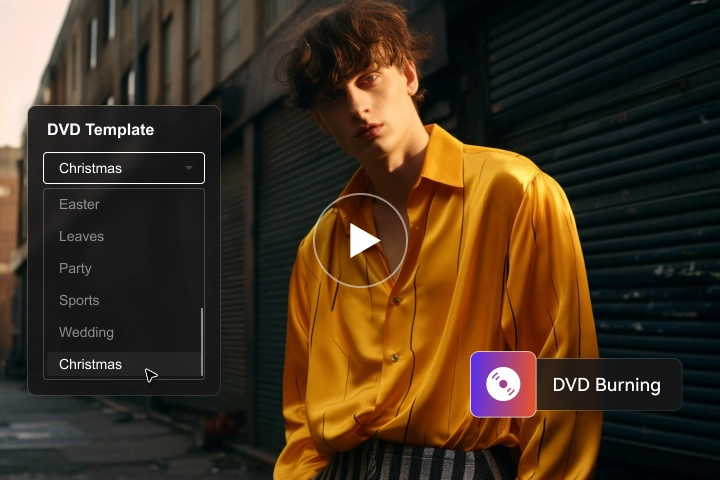
Any Video Converter enables you to transform any video into a physical DVD, turning your precious digital moments into tangible keepsakes that can be preserved forever. Otherwise, it offers 10+ high-quality theme templates, such as Wedding or Christmas, alongside customizable navigation menus. You have full control over the playback logic in your DVDs, such as repeat current chapter or return to main menu.
You can import a single video or an entire folder with one click, with full support for both NTSC and PAL television standards and seamless switching between 16:9 and 4:3 aspect ratios. Furthermore, you can flexibly adjust the burning intensity and choose from Low, Medium, or High quality settings to perfectly balance your desired visual clarity with the available disc space.
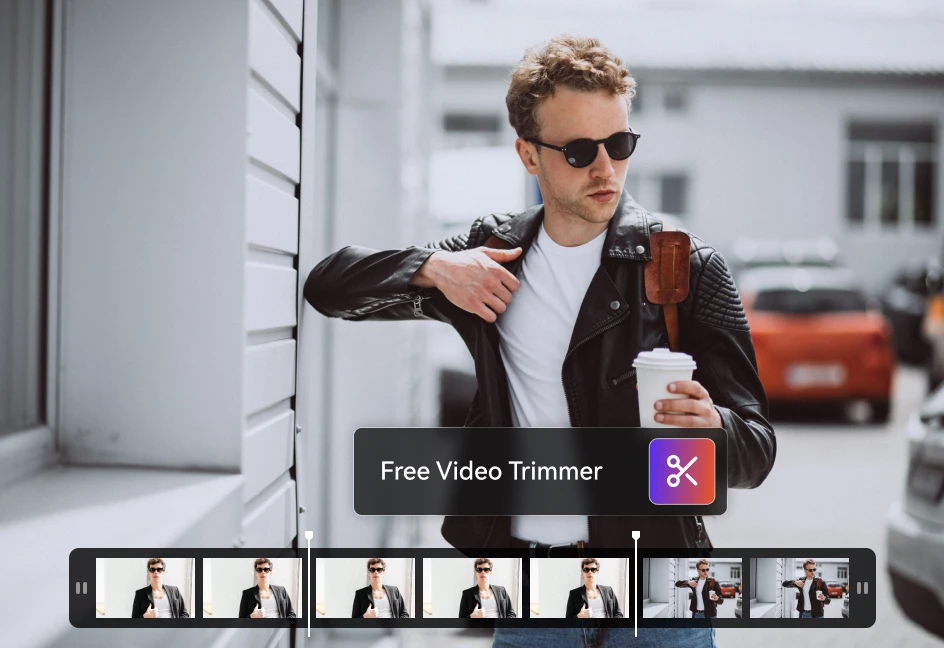
Any Video Converter is your ultimate video editor to trim, merge, compress video, and record screen. You can manually trim your videos or use AI Scene Detection to automatically identify shot changes. By customizing the sensitivity threshold and minimum scene duration, AVC ensures your clips are neither overly redundant nor too fragmented.
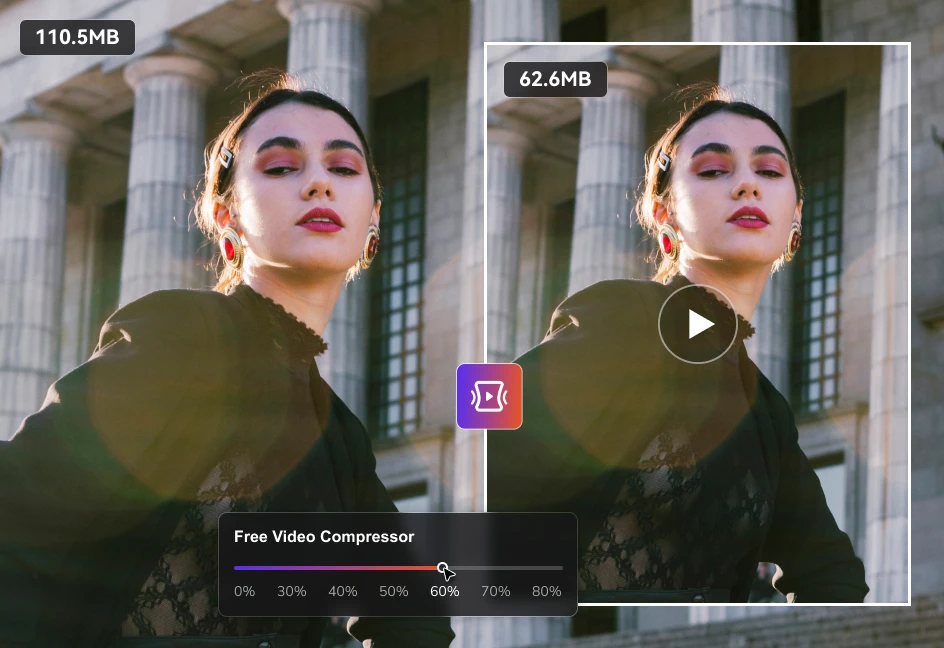
Then, it allows for ultra-high 4K video merge, supports one-click keep the same resolution with the 1st file and consistent sound level. Furthermore, you can compress file sizes by 30%-80% without loss with MP4 H.264, HEVC, and the cutting-edge AV1 codec. Also, AVC can grab everything you want. You can record your desktop, a specific application window, or a single Chrome tab using its customizable countdowns.
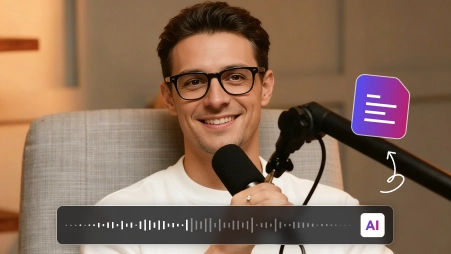
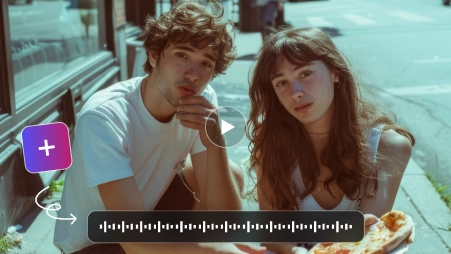
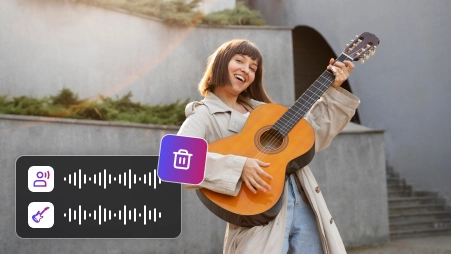

Extract high-quality audio from any video source and convert files to 320kbps MP3, and effortlessly change sampling rates for the best sound quality

Convert videos from 1,000+ formats to universal MP4 with H.264/HEVC encoding, and customize bitrates to balance file size and visual clarity

Upgrade videos to 4K Ultra HD at 60fps without quality loss, and upscale low-res footage to high-definition for a premium viewing experience

Create and sync SRT/VTT files with millisecond precision, and adjust fonts or positioning to ensure 100% readability across all media players

Resize videos to standard aspect ratios (9:16, 1:1, 16:9) or custom pixels, and rotate/flip to fit any mobile or social media screen perfectly

Leverage NVIDIA, AMD, and Intel hardware to boost speeds up to 130X faster, and execute multi-threaded encoding simultaneously
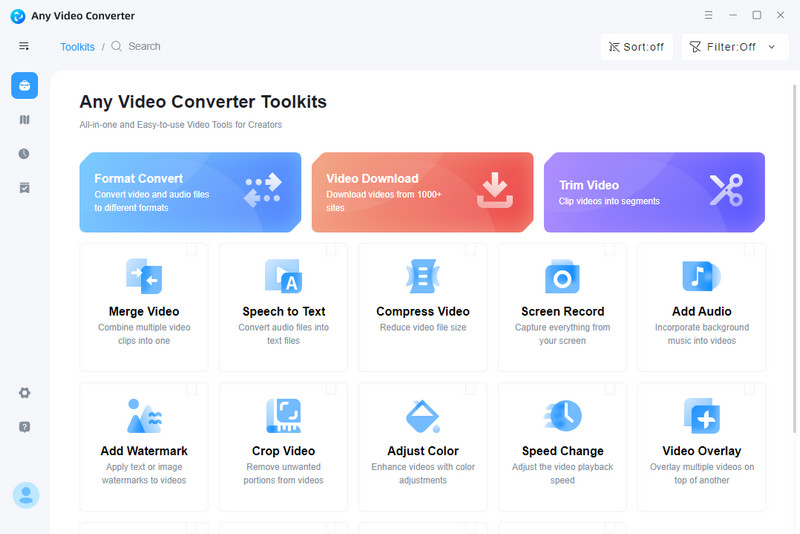
Learn more about the system and hardware requirements for Any Video Converter.

If you have any other questions about Any Video Converter, you can easily reach out to us here.

Any Video Converter is the top choice, offering a Free Video Converter and Free Video Editor in one. It supports 1,000+ formats and allows you to Add Watermark to Video or use the Free Video Cropper to resize clips for social media with professional precision.
Yes. AVC Free Video Compressor is designed to shrink file sizes significantly while maintaining visual clarity. By customizing bitrates and using H.264/HEVC encoding, you can balance size and quality for any project, from email attachments to 4K storage.
Using AVC Free MP4 Converter, you can transform videos from over 1,000 formats into universal MP4. It leverages most encoding, and adjustable audio bitrate and video quality to ensure your files play perfectly on any device without losing a single frame of quality.
Absolutely. Any Video Converter is a free MP3 converter allows you to extract high-quality audio from any video source. You can convert files to 320kbps MP3 and adjust sampling rates effortlessly to ensure the best sound quality for your music library.
Any Video Converter is a 4K Video Converter, and you can use its AI Video Enhancer to upgrade videos to 4K Ultra HD at 60fps. It intelligently upscales low-res footage to high-definition, providing a premium viewing experience without the typical blurriness of traditional scaling. If you want to upscale video to 8K, and have access to more advanced features, then AVCLabs Video Enhancer AI can fit well.
Yes. Use AI Speech to Text tool in Any Video Converter to convert speech to text or subtitles across 20+ languages with 99% AI accuracy. It's the perfect way to automate captioning for vlogs or professional presentations in minutes. You can transcribe video from YouTube, Facebook, and X to text precisely.
You can use AVC AI Vocal Remover to extract vocals or remove background music precisely. Additionally, its Track Editor and Audio Filter let you sync voiceovers, Add Sound Effects from our library, and manage multiple audio streams effortlessly.
Yes, the Free Subtitle Editor allows you to create and sync SRT/VTT files with millisecond precision. You can adjust fonts, styles, and positioning to ensure 100% readability across all media players and social platforms.
Any Video Converter features advanced GPU Acceleration that leverages NVIDIA, AMD, and Intel hardware. This boosts speeds up to 130X faster and enables multi-threaded encoding, allowing you to handle batch tasks and 4K projects without overloading your CPU.
Yes. Any Video Converter includes a Free Screen Recorder to capture your desktop activity. Once recorded, you can use the AI Video Trimmer to cut unwanted parts and this free video editor to polish your content before exporting.
 Any Video Converter

Pioneering in AI, AVCLabs is committed to providing comprehensive tools for enhancing and restoring visual content across industries.


© 2026 AVCLabs Inc. All Rights Reserved





 Free Download
 Free Download
 Free Download