
One click to convert SD video to 1080P, 4K and 8K online free. No watermark, all with browser.


Click the Upload button to add the video that you want to make video to HD.
Choose "AI Video Enhancer" feature to convert HD video free.
If your video is in high definition format, it will be converted online to 1080p and the clarity will be improved.
Click the Download button to save the HD video processed by AVCLabs Free HD Video Converter.


AVCLabs HD Quality Converter is an online tool designed to convert low-resolution and standard videos into HD, Full HD (1080p), and 4K quality. It offers flexible conversion options with no download, no installation, and no watermark required.
By uploading a video, the converter processes each frame to increase resolution, improve sharpness, reduce visual noise, and optimize color balance, producing a clearer and more watchable HD video output — all directly in your browser.
Unlike basic resolution upscaling that simply enlarges pixels, AVCLabs HD Converter Online reconstructs videos frame by frame to improve real visual quality.
During conversion, the AI automatically analyzes each frame and adjusts contrast, lighting, sharpness, and color balance based on the video content. These enhancements are applied intelligently across the entire video, ensuring consistent and natural-looking results.

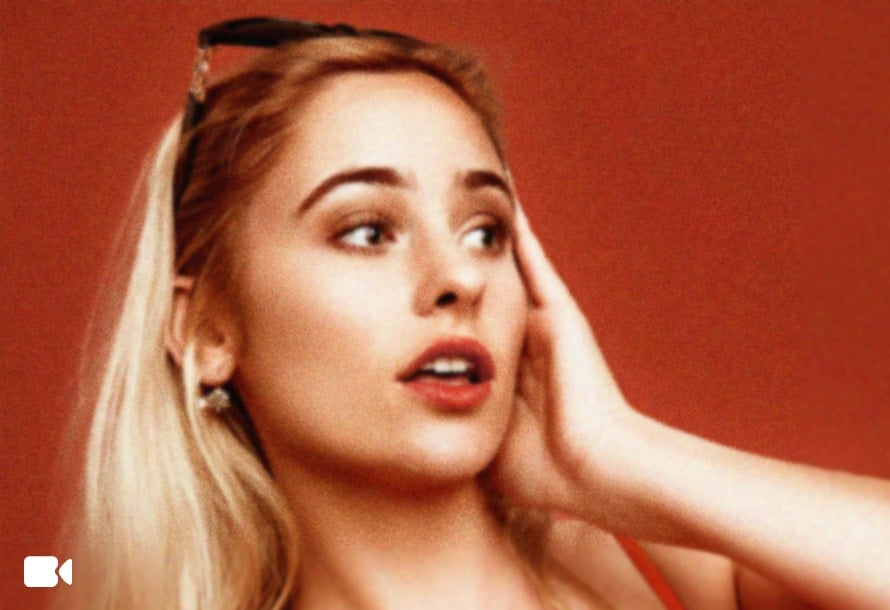
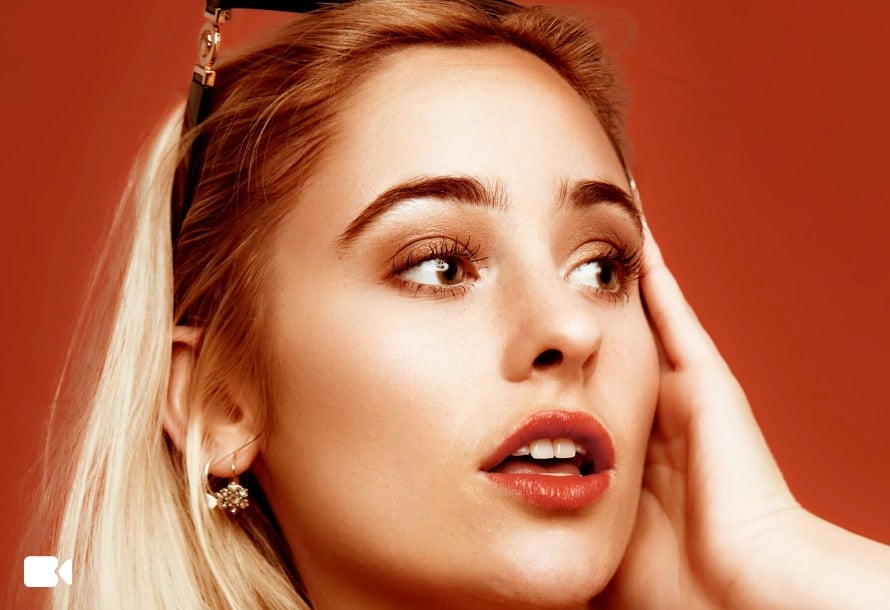
Not every video needs complex editing. Sometimes, you just want it to look better. With AVCLabs HD Video Converter, your casual videos, travel clips, or family recordings look great instantly — ready to share on social media or with friends.
No manual tuning is required. AVCLabs AI automatically selects the optimal enhancement settings and outputs the best possible HD video quality — saving time while delivering reliable results.

No matter the original format — MP4, AVI, MOV, or others — AVCLabs HD Video Converter Online supports over 25 input video formats. You can easily import any video, enhance its quality, and convert it to MP4. The result is HD, Full HD, 2K, 4K or 8K videos that play smoothly on phones, tablets, PCs, or TVs — ready for sharing, streaming, or presentations without any extra steps.
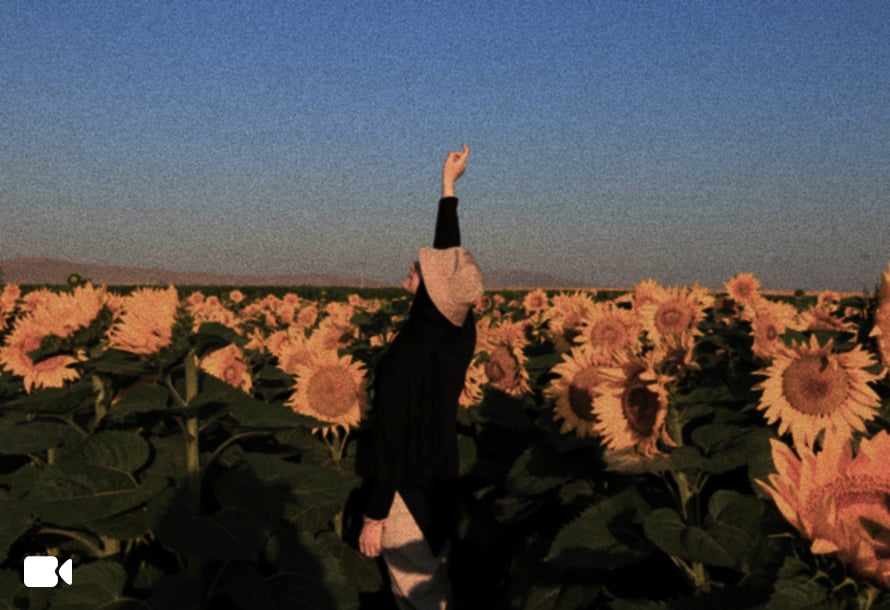

Seeing the originally blurry video become clear and fine, I can't help but immediately recommend AVCLabs HD Video Converter to my friends! As a novice with little experience in video editing, this 4k video converter is easy to use, and makes the video look more professional.

AVCLabs is an excellent high quality movie converter, especially suitable for restoring old videos recorded in the early days. I used it to restore my grandpa's wedding video from the 90s, and the converted HD video was significantly sharper and clearer.

I have used several free HD Video Converters before, but none of them can process as well as AVCLabs, and it can also convert blurry video to HD. AVCLabs is a better quality video converter that you cannot miss.

The HD video processed by AVCLabs 4k resolution video converter were truly impressive, with a noticeable enhancement in video texture. Even when the video is converted, details were well-preserved, and colors appeared more vibrant.

AVCLabs HD Video Converter offers free credits for you to convert to HD video online free without watermark.
You can use video conversion software: import the video and select high definition (HD) resolution for conversion. It is better to use a professional tool like AVCLabs HD Video Converter, which will not only convert video to HD, but also improve the quality of the video.
Choose a 4k video converter like AVCLabs that uses AI enhancement technology, and you can easily convert old videos to 4k, 1080p, or HD.
AVCLabs HD Video Converter can fix the blurry footage with intelligent algorithms to help you effectively convert blurry video to HD.
AVCLabs HD Video Converter is one of the best HD video converters. It can easily convert videos to HD and improve video quality with just one click.
Upscale low resolution video to high quality one, get 4K video instantly.
Read MoreRemove TikTok watermark online and download watermark-free video with TikTok watermark remover.
Read MoreEffortlessly remove different types of noise, aliasing, distortion, and more from images.
Read MoreQuickly and accurately enlarge image without losing quality online for free.
Read MoreOnline remove blemishes, scars, pimples, and skin imperfections from photos for free
Read MoreEasily swap entire heads in photos for free and get natural and realistic head swaps result with AI Head Swap tool.
Read MoreOnline remove glasses glare, light glare, flash glare, and reflection from photos.
Read MoreUpscale, restore, denoise, remove, and colorize — all in one free, safe, and online photo editor.
Read More

Copyright 2026 AVCLabs Inc. All rights reserved